

Introduction
Technology is part of our daily lives, yet many beginners feel overwhelmed when trying to understand it. From smartphones to computers, digital devices are everywhere, and knowing the basics helps you feel confident and capable. Whether you want to browse the internet safely, use applications efficiently, or manage your files, learning tech fundamentals is the first step.
Tech literacy is not only about knowing how to turn a device on or off. It involves understanding how software and hardware work together, recognizing potential risks, and making smart decisions online. For beginners, this knowledge opens doors to better communication, easier access to information, and more opportunities in work and personal life.
This guide is designed for new users, written in simple, easy-to-understand language. You don’t need prior experience to follow along. By the end, you will know how to operate devices, use essential applications, protect yourself online, and avoid common mistakes. Whether you are learning for work, school, or personal growth, these tech basics are your foundation for digital confidence.
What is Tech Basics?
Tech basics refer to the foundational knowledge and skills needed to use digital devices and online services effectively. It covers a range of topics, including:
- Hardware: Understanding computers, laptops, tablets, and smartphones.
- Software: Operating systems, apps, and essential programs.
- Internet usage: Browsers, email, and online navigation.
- Digital safety: Protecting devices and personal information.
- File management: Saving, organizing, and accessing files.
In short, tech basics help beginners navigate the digital world confidently. They are the building blocks for more advanced skills, such as coding, data analysis, or digital marketing.
Why is Tech Basics Important?
Tech basics are essential in today’s connected world. Here’s why:
- Daily Life Efficiency: Using devices efficiently saves time for work, study, and personal tasks.
- Access to Information: Understanding tech allows you to find information quickly and accurately.
- Online Communication: Email, social media, and messaging apps are easier to use with basic tech knowledge.
- Digital Safety: Knowing how to protect your data reduces risks from viruses and cybercrime.
- Career Opportunities: Many jobs now require basic tech skills, making you more employable.
By learning tech basics, you gain independence and confidence. You no longer need to rely on others for simple tasks, and you can explore new tools and opportunities without fear.
Detailed Step-by-Step Guide
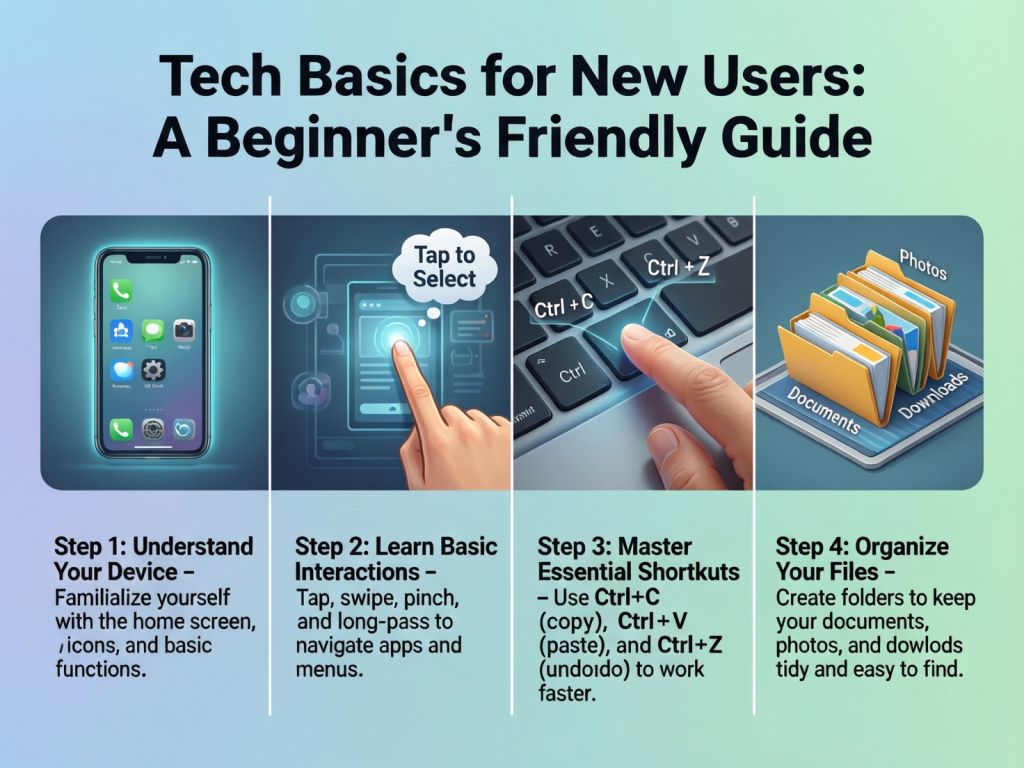
1. Understanding Your Device
Start with your hardware:
- Computer/Laptop: Know how to turn it on, navigate the desktop, and connect peripherals like keyboard, mouse, and printer.
- Tablet/Smartphone: Learn touch controls, installing apps, and adjusting settings like Wi-Fi and Bluetooth.
Tips:
- Keep your device charged and updated.
- Familiarize yourself with basic settings like brightness, volume, and network connections.
2. Operating Systems Basics
Every device runs on an operating system (OS). Common ones include Windows, macOS, Android, and iOS.
- Windows/macOS: Learn to open programs, manage files, and use the taskbar or dock.
- Android/iOS: Understand app installation, notifications, and system updates.
Tip: Regularly update your OS to ensure security and performance.
3. Software and Applications
Software allows your device to perform tasks. Beginners should focus on:
- Office Tools: Word processors, spreadsheets, and presentations.
- Web Browsers: Chrome, Firefox, or Safari for internet use.
- Communication Apps: Email, Zoom, WhatsApp, or messaging apps.
Tip: Learn shortcuts and basic features to save time.
4. Internet Basics
Understanding the internet is crucial:
- Wi-Fi and Data: Connect to networks safely.
- Browsing: Use search engines like Google to find information.
- Email: Send, receive, and organize emails professionally.
Tip: Avoid clicking unknown links to prevent malware or scams.
5. File Management
Organize files for easy access:
- Create folders for documents, images, and downloads.
- Name files clearly (e.g., “Resume_2025.pdf”).
- Use cloud storage like Google Drive for backup.
6. Digital Safety
Protect yourself online with these steps:
- Use strong, unique passwords.
- Enable two-factor authentication.
- Install antivirus software and keep it updated.
- Avoid sharing sensitive information publicly.
7. Troubleshooting Basics
Learn simple fixes:
- Restart your device for minor problems.
- Clear cache or temporary files to improve performance.
- Check network connections when internet issues occur.
Benefits of Tech Basics
- Increased Confidence: Navigate devices without hesitation.
- Efficiency: Complete tasks faster and more effectively.
- Better Communication: Use email, chat, and video calls with ease.
- Enhanced Safety: Protect personal and financial data.
- Access to Opportunities: Learn new skills, apply for jobs, or start online projects.
- Problem-Solving Skills: Fix minor technical issues independently.
Disadvantages / Risks
- Information Overload: Too many apps or notifications can be distracting.
- Cyber Threats: Viruses, phishing, and scams are common risks.
- Device Dependence: Over-reliance on technology can reduce face-to-face interaction.
- Privacy Concerns: Sharing personal information online can lead to misuse.
Common Mistakes to Avoid
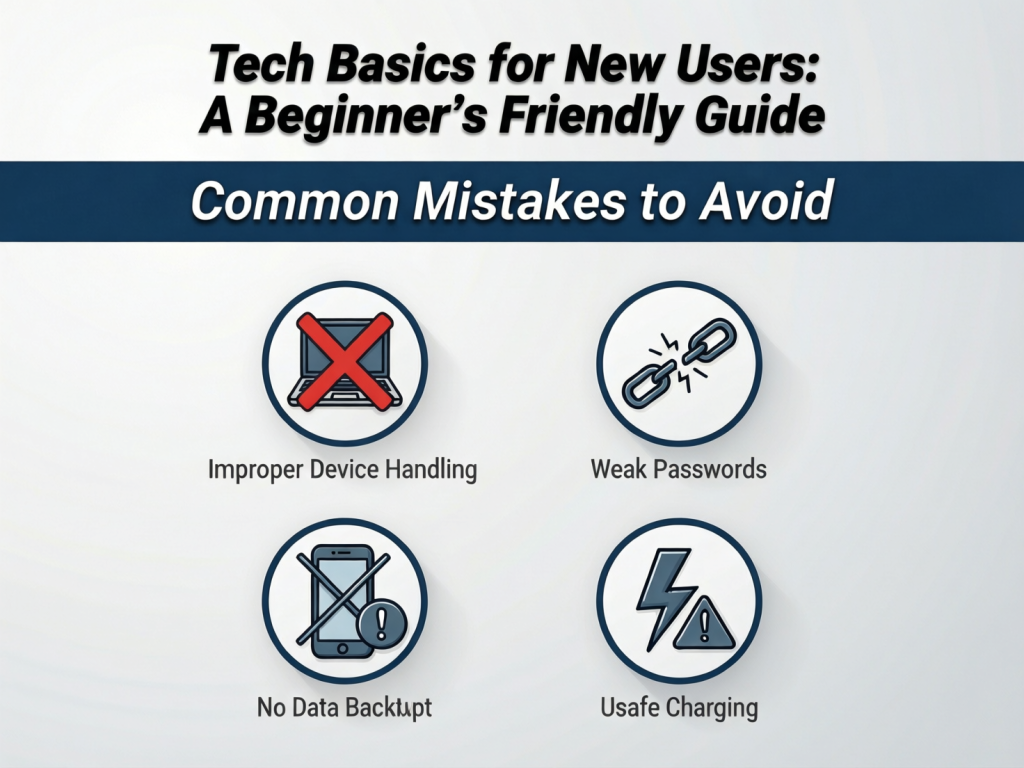
- Ignoring Updates: Outdated software is vulnerable to attacks.
- Weak Passwords: Using simple passwords increases security risks.
- Downloading Unknown Apps: Could contain malware or viruses.
- Disorganized Files: Makes it hard to find documents later.
- Neglecting Backups: Losing important files is preventable with regular backups.
FAQs
1. Do I need expensive devices to learn tech basics?
No. Any basic computer, tablet, or smartphone can be used. Focus on learning skills, not the device price.
2. How long does it take to learn tech basics?
With regular practice, beginners can grasp fundamentals in a few weeks. Confidence grows over time with consistent use.
3. Can tech basics help me at work?
Yes. Most jobs require basic computer skills, email management, and online communication.
4. Is online safety really important for beginners?
Absolutely. Beginners are often more vulnerable to scams and malware. Learning safety measures early prevents problems later.
5. Are there shortcuts to learn faster?
Yes. Start with the most common apps and tasks, practice regularly, and use tutorials or help menus.
6. Can I learn tech basics on my own?
Yes. Many resources, including online guides, videos, and beginner-friendly courses, can help you learn independently.
7. What if I forget steps?
Keep notes or screenshots of important steps. Practice frequently, and don’t hesitate to ask for help.
8. Is cloud storage necessary?
Not strictly, but it’s highly recommended. It ensures your files are safe and accessible from anywhere.
Expert Tips & Bonus Points
- Start Simple: Don’t overwhelm yourself with too many tools at once.
- Practice Daily: Even 20–30 minutes a day makes a big difference.
- Ask Questions: Curiosity speeds up learning.
- Learn Keyboard Shortcuts: They save time and improve efficiency.
- Stay Updated: Keep up with software updates and new apps.
- Use Tutorials: Videos and step-by-step guides simplify learning.
Conclusion
Learning tech basics is no longer optional; it is essential for personal, professional, and social growth. By understanding devices, software, the internet, and digital safety, beginners can navigate the digital world confidently. These skills save time, enhance productivity, and open new opportunities.
While technology can seem intimidating at first, breaking it down into simple steps makes it manageable. Practice, patience, and curiosity are your best allies. Remember, everyone starts as a beginner. With dedication, you can master tech basics and enjoy the benefits of a connected, digital life.
Start small, stay consistent, and soon using technology will feel natural and empowering. This knowledge is not just about using devices—it’s about becoming confident in a digital world that touches every part of daily life.