
Introduction
Useful computer tips for beginners are essential in today’s digital world. Computers are no longer limited to offices or schools. They are part of daily life, from online learning and remote work to banking, shopping, and communication. For beginners, using a computer can feel confusing or even intimidating at first. Many people worry about pressing the wrong button or damaging the system. The good news is that computers are designed to be user-friendly, and with the right guidance, anyone can learn to use them confidently.
This article is written to help beginners and intermediate users understand computers in a simple and practical way. You will learn useful computer tips for beginners that focus on everyday tasks, safety, speed, and smart habits. The goal is not to make you a technical expert but to help you feel comfortable and in control while using a computer.
Throughout this guide, complex ideas are explained in plain English. Each section builds on the previous one, so you can follow along easily. Whether you are using a computer for study, work, or personal use, these useful computer tips for beginners will save you time, reduce mistakes, and improve your overall experience.
By the end of this article, you will know how to use basic computer functions, protect your data, organize files, and avoid common beginner errors. Most importantly, you will gain confidence. Learning computers is a skill, and like any skill, it improves with practice and the right knowledge.
What are useful computer tips for Beginners?
Useful computer tips for beginners are simple instructions, habits, and techniques that help new users understand and operate a computer effectively. These tips focus on basic computer usage rather than advanced technical skills. They cover areas such as starting a computer, using the keyboard and mouse, managing files, staying safe online, and improving performance.
For beginners, small tips can make a big difference. Knowing how to copy and paste text, take screenshots, or close unresponsive programs can save time and reduce frustration. Useful computer tips for beginners also include understanding common terms like software, hardware, folders, and browsers.
These tips are practical and based on real-life use. They are not about coding or system engineering. Instead, they teach you how to use your computer as a helpful tool. Once these basics are clear, learning advanced skills becomes much easier.
Why is Useful Computer Tips for Beginners Important?
Learning useful computer tips for beginners is important because computers are involved in almost every field today. Without basic knowledge, users can feel left behind or dependent on others for simple tasks.
Computer tips help beginners work faster and more confidently. They reduce mistakes such as deleting important files or falling for online scams. When users understand how a computer works, they feel more in control and less afraid of trying new things.
Another reason these tips matter is safety. Beginners are often unaware of online risks. Useful computer tips for beginners teach safe browsing, password protection, and data backup. This knowledge protects personal information and devices.
Finally, computer skills open doors. From online education to job opportunities, basic computer knowledge is often a requirement. Learning these tips is the first step toward digital independence.
Detailed Step-by-Step Guide
Understanding Basic Computer Parts
A computer has two main components: hardware and software. Hardware includes physical parts like the monitor, keyboard, mouse, and CPU. Software includes programs like the operating system and applications.
Beginners should first identify these parts. Knowing what each part does helps in troubleshooting simple problems.
Learning Keyboard and Mouse Basics
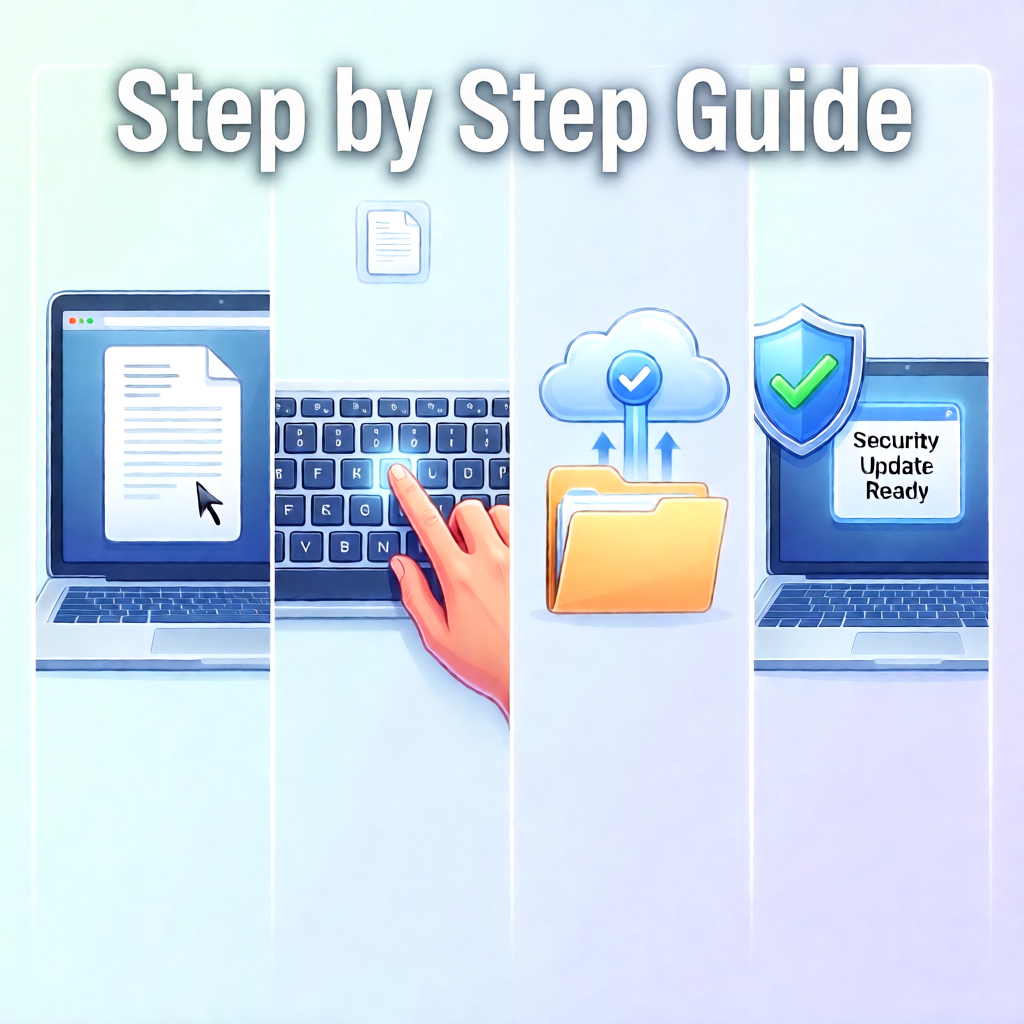
The keyboard is used for typing, while the mouse helps you click, select, and scroll. Practice left-click, right-click, and double-click actions. Learn common keys like Enter, Backspace, Shift, and Ctrl.
Keyboard shortcuts are also useful computer tips for beginners. For example, Ctrl + C copies text, and Ctrl + V pastes it.
Managing Files and Folders
Files store data, and folders organize files. Learn how to create folders, rename files, and move them to the correct location. Keeping files organized saves time and avoids confusion.
Always know where your files are saved. This habit prevents accidental loss of important documents.
Using the Internet Safely
The internet is powerful, but requires caution. Use trusted websites and avoid clicking unknown links. Install a reliable antivirus program and keep it updated.
Useful computer tips for beginners always include online safety. Strong passwords and regular updates protect your system.
Installing and Updating Software
Only install software from trusted sources. During installation, read each step carefully to avoid unwanted programs. Regular updates improve security and performance.
Basic Troubleshooting
If a program freezes, wait a few seconds before closing it. Restarting the computer often fixes small issues. Learn how to use Task Manager to close unresponsive programs.
Saving and Backing Up Data
Always save your work regularly. Use external storage or cloud services for backup. This protects your data from accidental loss.
Benefits of Useful Computer Tips for Beginners
- Builds confidence in daily computer use
- Saves time by improving efficiency
- Reduces errors and system problems
- Improves online safety and privacy
- Helps in study, work, and communication
- Encourages independent learning
Disadvantages / Risks
- Learning may feel slow at first
- Incorrect tips from unreliable sources can mislead
- Overconfidence without practice may cause mistakes
- Ignoring updates can reduce system security
Common Mistakes to Avoid
Many beginners make similar mistakes. Avoid installing unknown software just because it looks useful. Do not ignore system updates, as they are important for security.
Another common mistake is not organizing files. Saving everything on the desktop creates clutter. Also, avoid using weak passwords or sharing them with others.
Rushing through tasks without reading instructions can cause errors. Take your time and learn step by step.
FAQs
What are the most useful computer tips for beginners?
The most useful computer tips for beginners include learning keyboard shortcuts, organizing files, using antivirus software, and backing up data regularly.
How long does it take to learn basic computer skills?
With daily practice, beginners can learn basic computer skills in a few weeks. Consistency is more important than speed.
Is it possible to damage a computer by using it incorrectly?
Most modern computers are designed to handle mistakes. However, downloading harmful software or deleting system files can cause problems.
Do beginners need antivirus software?
Yes, antivirus software is essential. It protects against viruses, malware, and other online threats.
What is the best way to practice computer skills?
Practice by doing simple tasks daily. Typing documents, browsing safely, and organizing files help improve skills naturally.
Are computer tips different for laptops and desktops?
The basics are the same. The main difference is portability and battery management in laptops.
Expert Tips & Bonus Points
One expert tip is to explore settings slowly. Understanding system settings helps customize your experience. Another bonus tip is to keep learning. Technology changes, so staying curious is important.
Use built-in help tools and tutorials. They are designed for beginners. Also, practice typing to improve speed and accuracy.
Finally, be patient with yourself. Learning computers is a gradual process.
Conclusion
Useful computer tips for beginners are the foundation of digital confidence. In a world where technology is part of everyday life, basic computer knowledge is no longer optional. It is a necessary skill that supports learning, work, and personal growth.
This guide has covered essential areas such as understanding computer parts, managing files, staying safe online, and avoiding common mistakes. Each section was designed to be simple, practical, and easy to follow. By applying these useful computer tips for beginners, you can reduce frustration and use your computer more effectively.
Remember that learning does not happen overnight. Small daily efforts lead to long-term improvement. Practice regularly, stay curious, and do not be afraid to explore new features. Computers are tools meant to help you, not confuse you.
As you continue your journey, these tips will serve as a strong base. With time and experience, you will move from beginner to confident user. Keep learning, stay safe, and enjoy the benefits of technology in your daily life.