

Introduction
Technology is a big part of daily life, yet even simple devices can suddenly stop working the way they should. A phone freezes, a laptop slows down, or the internet drops at the worst moment. These situations feel stressful, especially when you do not know where to start. The good news is that many common problems have easy solutions that do not require expert help or expensive repairs. Learning quick tech fixes for your device can save time, money, and frustration.
Most device issues are caused by small glitches, outdated software, or simple setting problems. Instead of panicking or rushing to a repair shop, you can fix many issues yourself in minutes. This guide focuses on practical and safe solutions that beginners and intermediate users can understand and apply. Each fix is explained in simple language, with clear steps and real examples.
Quick tech fixes for your device are not about deep technical knowledge. They are about knowing what to check first and how to act calmly. With the right approach, you can keep your phone, computer, tablet, or other devices running smoothly. Over time, these small habits build confidence and make technology less intimidating.
In this article, you will learn what quick tech fixes for your device really mean, why they matter, and how to apply them step by step. You will also discover common mistakes to avoid, expert tips, and answers to frequently asked questions. By the end, you will feel more in control of your devices and ready to handle everyday tech problems with ease.
What are Quick Tech Fixes for Your Device?
Quick tech fixes for your device are simple troubleshooting steps that solve common technology problems without advanced tools or skills. These fixes focus on fast actions that address the root cause of everyday issues. They work for phones, laptops, tablets, smart TVs, and even basic accessories.
These fixes usually involve checking settings, restarting devices, updating software, clearing storage, or adjusting connections. They are designed to be safe and easy, even for people who are not tech experts. Instead of guessing or making random changes, quick tech fixes for your device follow a logical order.
For example, if your phone is slow, a quick fix may include closing unused apps or restarting the device. If your laptop cannot connect to Wi Fi, checking airplane mode or restarting the router might solve the problem. These solutions are often overlooked, yet they fix most issues.
The main idea is speed and simplicity. Quick tech fixes for your device help you get back to work or entertainment without long delays. They also reduce stress because you know what to do when something goes wrong.
Why are Quick Tech Fixes for Your Device Important?
Quick tech fixes for your device are important because technology problems are unavoidable. Even new devices can develop issues over time. Knowing how to fix small problems prevents them from becoming bigger ones.
First, these fixes save money. Many people pay for repairs that could have been avoided with simple steps. Second, they save time. Waiting for support or visiting a repair shop can take hours or days. A quick fix can take only minutes.
Another reason is confidence. When you understand how your device works, you feel less dependent on others. This is especially helpful for students, professionals, and home users who rely on technology daily.
Quick tech fixes for your device also improve device lifespan. Regular maintenance like updates and storage cleanup keeps systems healthy. Finally, these fixes reduce frustration and help you stay productive, calm, and focused.
Detailed Step-by-Step Guide
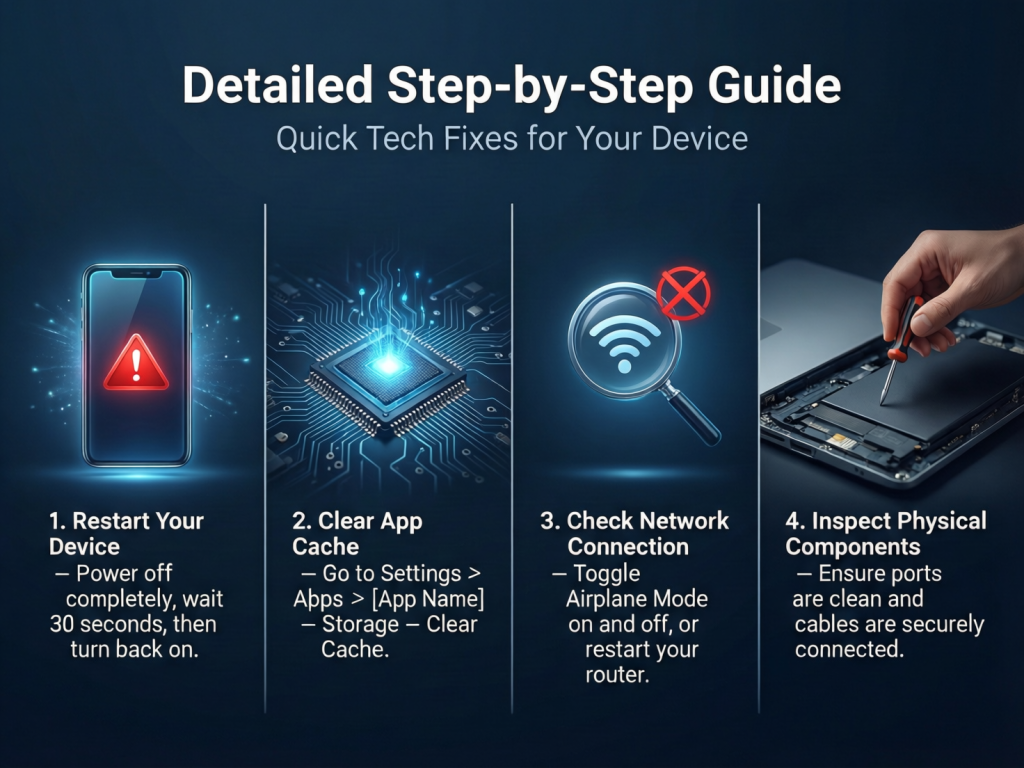
Fix 1: Restart the Device Properly
Restarting is one of the most effective quick tech fixes for your device.
Steps:
- Save your work.
- Turn the device off completely.
- Wait for thirty seconds.
- Turn it back on.
This clears temporary files and resets system processes. It helps with freezing, slow performance, and app crashes.
Fix 2 Check Power and Charging Issues
If a device does not turn on, check the power source.
Steps:
- Inspect the charging cable for damage.
- Try a different power outlet.
- Clean the charging port gently.
- Use the original charger if possible.
Many charging problems are caused by faulty cables or dirty ports.
Fix 3 Update Software and Apps
Outdated software causes bugs and security issues.
Steps:
- Open device settings.
- Check for system updates.
- Update apps from the official store.
- Restart after updates.
Quick tech fixes for your device often start with updates because developers fix known problems regularly.
Fix 4 Free Up Storage Space
Low storage slows down devices.
Steps:
- Check storage usage in settings.
- Delete unused apps.
- Remove old photos and videos.
- Clear app cache if available.
Keeping at least twenty percent free storage improves performance.
Fix 5: Improve Internet Connectivity
Connection problems are common.
Steps:
- Turn Wi Fi off and on.
- Restart the router.
- Move closer to the router.
- Forget and reconnect to the network.
These steps fix most internet issues quickly.
Fix 6 Handle Overheating Problems
Overheating affects performance.
Steps:
- Remove the device from direct sunlight.
- Close heavy apps.
- Remove protective cases temporarily.
- Let the device cool down.
Avoid using devices while charging if they are already hot.
Fix 7 Fix App Crashes
Apps may crash due to bugs or memory issues.
Steps:
- Force close the app.
- Reopen it.
- Update the app.
- Reinstall if needed.
This is one of the simplest quick tech fixes for your device.
Fix 8 Audio and Sound Issues
No sound can be frustrating.
Steps:
- Check volume levels.
- Disable mute mode.
- Test with headphones.
- Restart the device.
Often, the issue is a simple setting problem.
Fix 9 Screen and Display Problems
Display issues include flickering or black screens.
Steps:
- Adjust brightness settings.
- Check display cables for monitors.
- Restart the device.
- Update display drivers if applicable.
These steps solve many screen related problems.
Fix 10 Keyboard and Touch Issues
Unresponsive input affects usability.
Steps:
- Clean the keyboard or screen.
- Restart the device.
- Check for software updates.
- Test with an external keyboard if possible.
This helps identify whether the problem is hardware or software.
Benefits of Quick Tech Fixes for Your Device
- Saves money on repairs
- Saves time and effort
- Reduces daily stress
- Improves device performance
- Extends device lifespan
- Builds user confidence
- Increases productivity
Disadvantages / Risks
- Temporary fixes may not solve hardware damage
- Incorrect steps can cause data loss
- Overconfidence may delay professional help
- Some fixes require basic understanding
Common Mistakes to Avoid
Many people make simple mistakes when trying quick tech fixes for your device. Avoid restarting repeatedly without checking other causes. Do not install random apps that promise instant fixes. Ignoring updates is another common error. Avoid forcing hardware components, as this can cause damage. Lastly, do not skip backups before making major changes.
FAQs
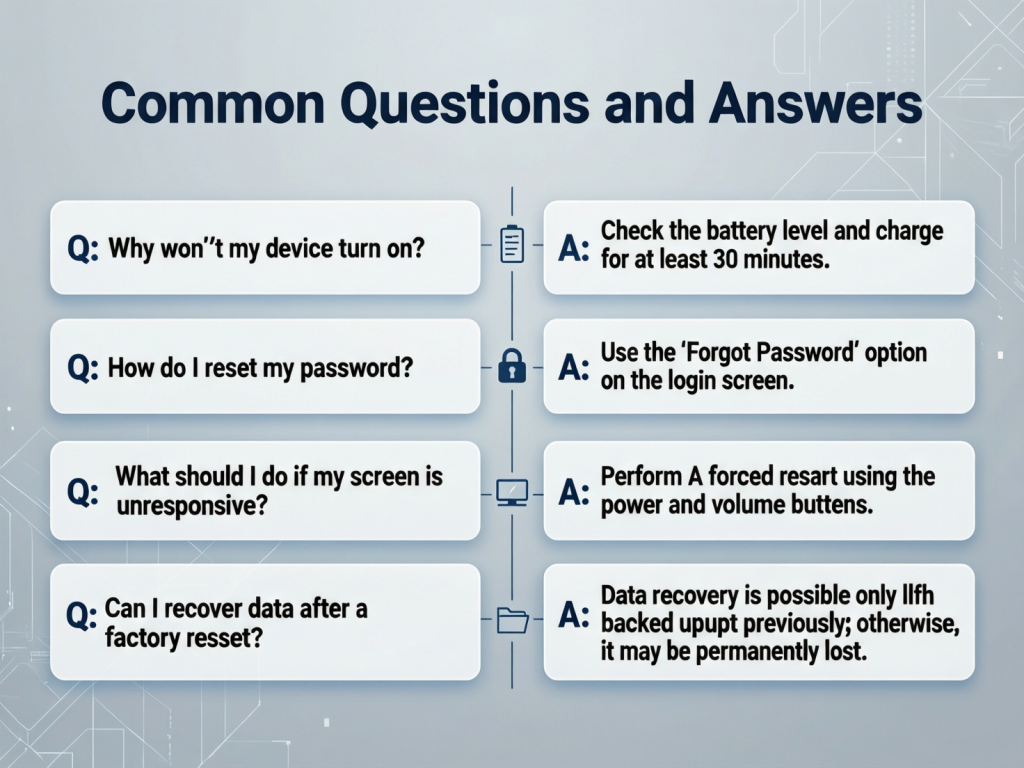
What is the fastest way to fix a frozen device?
Restarting the device is usually the fastest solution. It clears temporary glitches and restores normal function.
Do quick tech fixes for your device work for old devices?
Yes, most fixes work for both old and new devices. Older devices may benefit even more from storage cleanup and updates.
Can these fixes damage my device?
When done correctly, these fixes are safe. Always follow instructions carefully and avoid unknown software.
How often should I update my device?
Check for updates at least once a month. Regular updates improve security and performance.
What should I do if none of the fixes work?
If problems continue, it may be a hardware issue. In that case, professional repair is recommended.
Are quick tech fixes for your device suitable for beginners?
Yes, they are designed to be simple and easy. Beginners can follow the steps without technical background.
Expert Tips & Bonus Points
Create a habit of restarting your devices weekly. Keep storage organized and remove unused apps regularly. Always back up important data before updates. Use official accessories to avoid power issues. Learn basic settings menus, as most fixes start there. These habits make quick tech fixes for your device even more effective.
Conclusion
Technology problems can feel overwhelming, but they do not have to control your day. By learning quick tech fixes for your device, you gain the ability to handle common issues calmly and confidently. These simple steps solve most problems related to performance, connectivity, apps, and hardware behavior. Instead of wasting time or money, you can apply these fixes and move on with your tasks.
Quick tech fixes for your device are about awareness and routine care. Small actions like updates, restarts, and storage management make a big difference over time. They also help you understand your devices better, which reduces fear and confusion. When you know what to check first, problems feel smaller and more manageable.
This guide showed you why these fixes matter, how to apply them step by step, and what mistakes to avoid. With regular practice, these solutions become second nature. Technology will never be perfect, but with the right knowledge, you stay one step ahead. Start using these quick tech fixes for your device today and enjoy smoother, stress-free digital experiences every day.