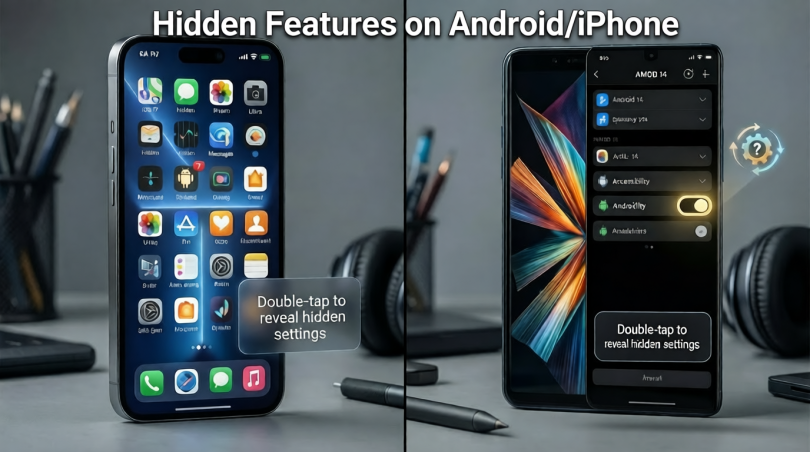

Introduction
Smartphones have become a daily necessity. We use them for calls, messages, learning, work, and entertainment. Most people think they already know everything about their phones. However, that is not true. Many hidden features on Android/iPhone remain unnoticed, even by regular users. These features are built to make life easier, safer, and more productive, yet they often stay unused.
Many beginners use only basic functions like calling, texting, and social media. Intermediate users may explore settings but still miss powerful tools. This is where understanding hidden features on Android/iPhone makes a real difference. These features can save time, protect privacy, improve battery life, and even help in emergencies.
Another reason people miss these tools is simple. Phone companies do not always explain them clearly. Some features are buried deep in settings, while others work through gestures or shortcuts. Once you learn them, your phone feels smarter and more personal.
In this article, you will explore hidden features on Android/iPhone in a clear and simple way. Each section is written for easy understanding. You do not need technical knowledge to follow along. Step by step instructions, examples, and tips are included to help you apply everything right away.
By the end, you will use your phone more confidently. You will also understand why learning these hidden tools is worth your time.
What Is Hidden Features on Android/iPhone?
Hidden features on Android/iPhone are tools and settings that are not obvious during normal use. They are already installed on your device but are often turned off or placed inside advanced menus. These features are not secret, but they are easy to miss.
For example, your phone can scan documents, translate text using the camera, or control devices with one hand. Many users never discover these options. Some features work through gestures like tapping the back of the phone. Others appear only after changing a specific setting.
Android and iPhone both focus on clean design. Because of this, advanced options are hidden to avoid confusion. While this helps beginners, it also means many useful tools stay unused.
Hidden features on Android/iPhone are designed for real life needs. They help with accessibility, security, speed, and comfort. Once activated, they feel like magic because they solve common problems quickly.
Understanding these features does not mean changing your phone. It simply means unlocking what already exists. With a little exploration, your phone becomes more powerful without installing extra apps.
Why Is Hidden Features on Android/iPhone Important?
Hidden features on Android/iPhone are important because they improve daily phone use. They help users do more with less effort. Instead of downloading new apps, you can use built in tools that work smoothly and safely.
One major reason is privacy. Many hidden features protect your data. App permissions, private folders, and tracking controls keep your information secure. Without knowing them, users may share data without realizing it.
Another reason is productivity. Features like split screen, quick replies, and smart shortcuts save time. Small actions add up during the day, especially for students and professionals.
Battery health is also a big concern. Hidden battery tools help extend usage and reduce background drain. This means fewer charging problems and better phone life.
Accessibility is equally important. Hidden features on Android/iPhone support users with vision, hearing, or movement challenges. These tools create equal access for everyone.
Overall, these features turn a simple phone into a smart assistant. Knowing them gives you control, comfort, and confidence.
Detailed Step-by-Step Guide
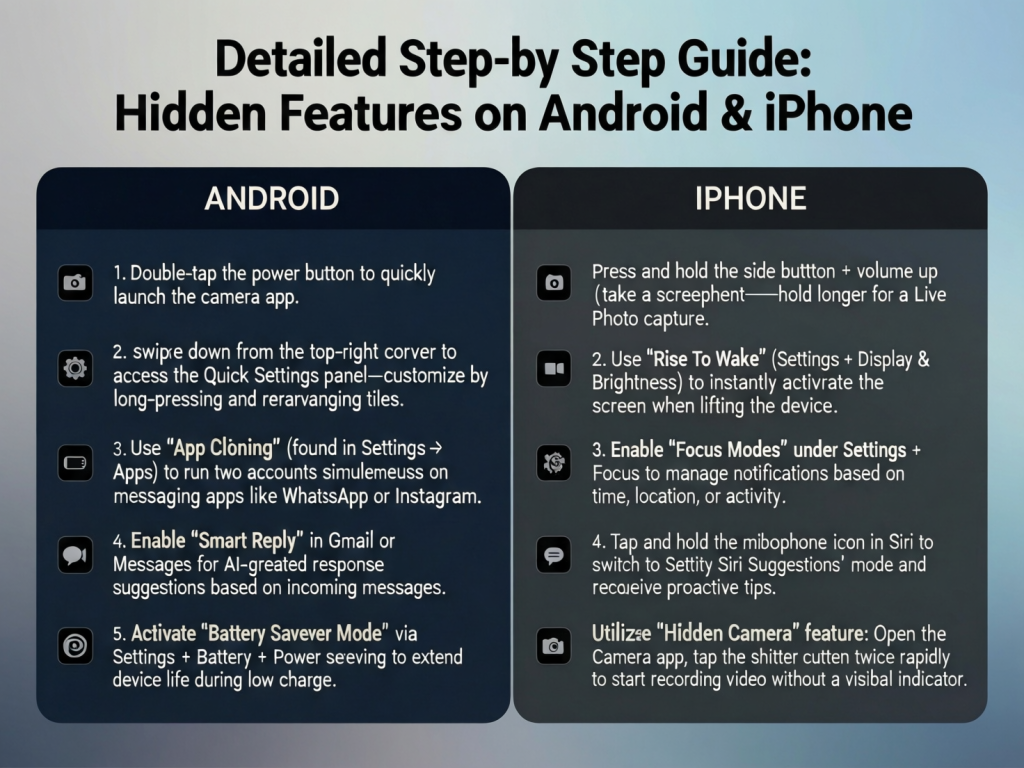
How to Find Hidden Features on Android
First, open the Settings app on your Android phone. Scroll slowly and explore each category. Many features are grouped under Advanced Settings.
Go to System and then Gestures. Here you may find options like double tap to wake or quick camera access. Turn them on and test them.
Next, open Accessibility settings. You will see tools like screen magnification, voice access, and color correction. These are useful even for users without disabilities.
Check Digital Wellbeing. It shows screen time, app limits, and focus mode. These tools help manage phone habits.
Finally, search inside Settings using the search bar. Type words like battery, privacy, or shortcut to uncover more options.
How to Find Hidden Features on iPhone
On iPhone, open Settings and tap Accessibility. Many powerful tools are located here. You can enable back tap, voice control, and assistive touch.
Go to Privacy and Security. Review app permissions, location access, and tracking controls. These settings protect personal data.
Open Control Center settings to add shortcuts like screen recording or low power mode. Swipe down to access them easily.
Check Siri and Search settings. You can create voice commands for simple actions.
Explore Camera settings for scanning documents and text recognition. These features are very helpful for students.
Useful Hidden Gestures
Many hidden features on Android/iPhone work through gestures. On Android, swipe down with two fingers to open quick settings. Use three finger swipe to take screenshots on supported models.
On iPhone, swipe left or right on the bottom bar to switch apps quickly. Tap the back of the phone to perform actions if enabled.
Gestures reduce button use and make navigation faster. They feel natural after a few days of practice.
Smart Text and Image Tools
Both platforms offer text selection from images. Open a photo and long-press on text to copy it. This works well for notes and signs.
Translation tools can convert text instantly. Camera based translation is useful while traveling or studying.
You can also search the web using an image. This helps identify objects, plants, or products.
Battery and Performance Tools
Hidden battery tools control background activity. On Android, restrict battery usage per app. On iPhone, enable optimized charging.
Check battery health to understand performance. These tools help extend phone life and reduce overheating.
Performance modes adjust speed and power usage. Choose based on your daily needs.
Emergency and Safety Features
Both systems include emergency SOS. It allows quick contact with emergency services.
Medical ID stores health information. First responders can access it from the lock screen.
Location sharing during emergencies is another important feature. It keeps loved ones informed.
Benefits of Hidden Features on Android/iPhone
- Better privacy and data control
- Faster daily tasks and shortcuts
- Improved battery life and performance
- Built in accessibility support
- Reduced need for extra apps
- Safer emergency handling
- Smarter camera and text tools
Disadvantages and Risks
- Some features may confuse beginners
- Wrong settings can affect performance
- Accidental activation of gestures
- Privacy settings need careful review
- Over-customisation may slow the phone
Common Mistakes to Avoid
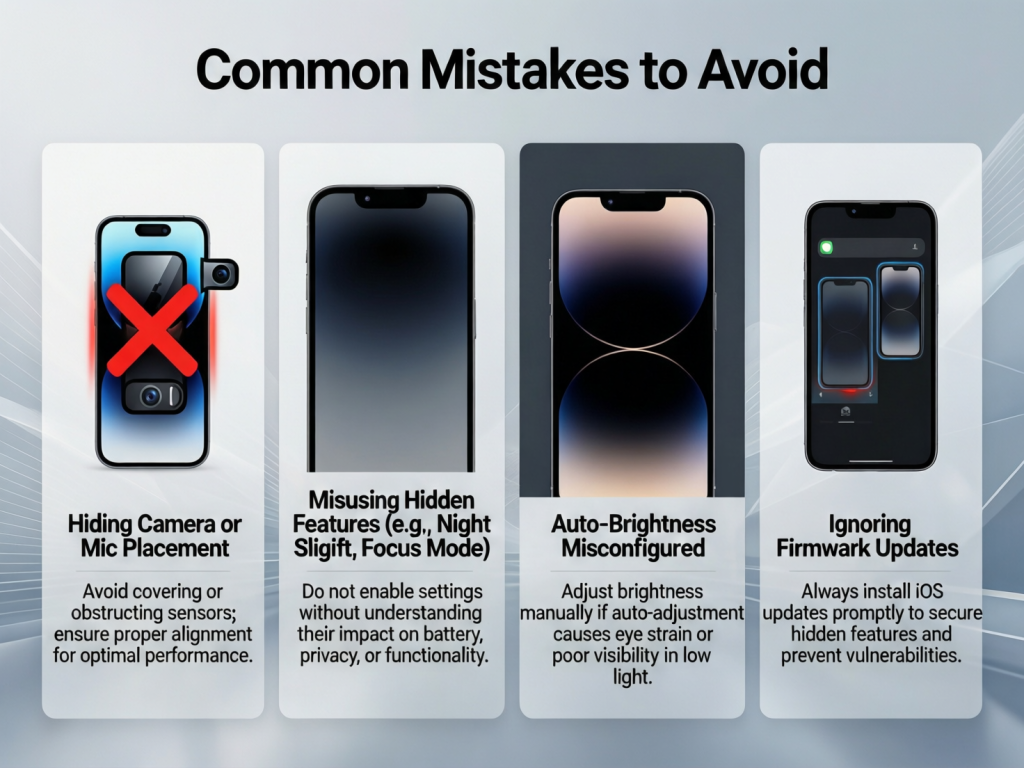
Many users turn on features without understanding them. This can cause frustration later.
Another mistake is ignoring permissions. Always review what apps can access.
Some users install third party apps for tasks already built in. This increases risk.
Not updating the phone is also a mistake. Updates often improve hidden features.
Lastly, avoid copying settings from others without checking compatibility.
FAQs
Are hidden features safe to use?
Yes, built in features are tested by the manufacturer. They are safer than unknown apps.
Do hidden features slow down the phone?
Most features are optimized. However, enabling too many at once may affect speed slightly.
Can beginners use these features easily?
Yes, with simple guidance, beginners can use them comfortably.
Are hidden features the same on all phones?
No, some features depend on phone model and software version.
Do these features require internet?
Some do, like translation. Others work offline.
Can hidden features be turned off later?
Yes, all features can be disabled anytime from settings.
Expert Tips and Bonus Points
Explore settings once a month. New updates often add features.
Use the settings search bar to save time.
Enable only what you need. Keep your phone simple.
Read short descriptions before turning on options.
Practice gestures slowly to avoid mistakes.
Back up your data before major changes.
Learning hidden features on Android/iPhone is an ongoing process. Small steps bring big improvements.
Conclusion
Smartphones are more powerful than most people realise. Hidden features on Android/iPhone are designed to improve daily life without extra effort. They help users save time, protect privacy, and enjoy better performance. Many of these tools remain unused simply because people do not know they exist.
By exploring settings and learning step by step, anyone can unlock these features. You do not need to be a tech expert. Simple curiosity and practice are enough. Once you start using these tools, your phone feels more responsive and personal.
Hidden features on Android/iPhone also reduce dependence on third-party apps. This keeps your device cleaner and safer. Built-in tools work better with the system and receive regular updates.
Make it a habit to explore your phone. Try one new feature each week. Over time, you will gain confidence and control. Your smartphone will truly work for you, not against you.
Understanding and using these hidden features is not about showing off. It is about making daily tasks easier and smarter. Start today, and experience the difference yourself.